GPUで描く、極限の速さ。
展開不要の画像ビューアー
Extremely Fast, GPU-Powered
Image
Viewer
SuperFastImageViewerは、C++とDirect2DによるGPUアクセラレーション描画を採用し、フォルダ内の大量にある画像やZIP等の書庫ファイルを直接、極めて高速に閲覧できるWindows用ポータブルビューアーです。 SuperFastImageViewer is a lightweight, portable Windows application built with C++ and Direct2D. Experience instant GPU-accelerated rendering of large numbers of images in folders, as well as archives like ZIP without extraction.
⚠️ Windowsの警告について:
本ソフトは個人開発のフリーウェアであり、高価な商業コード署名を行っていないため、初回起動時にWindows
SmartScreenにより「WindowsによってPCが保護されました」という警告が表示されます。
[詳細情報] をクリックし、表示された [実行] ボタンを選択することで安全に起動できます。
⚠️ Note on Windows Warning:
As this is a personal freeware project and not signed with a commercial certificate, Windows
SmartScreen may show a "Windows protected your PC" warning on the first run.
To proceed, click "More info" and then select "Run anyway" to
launch.
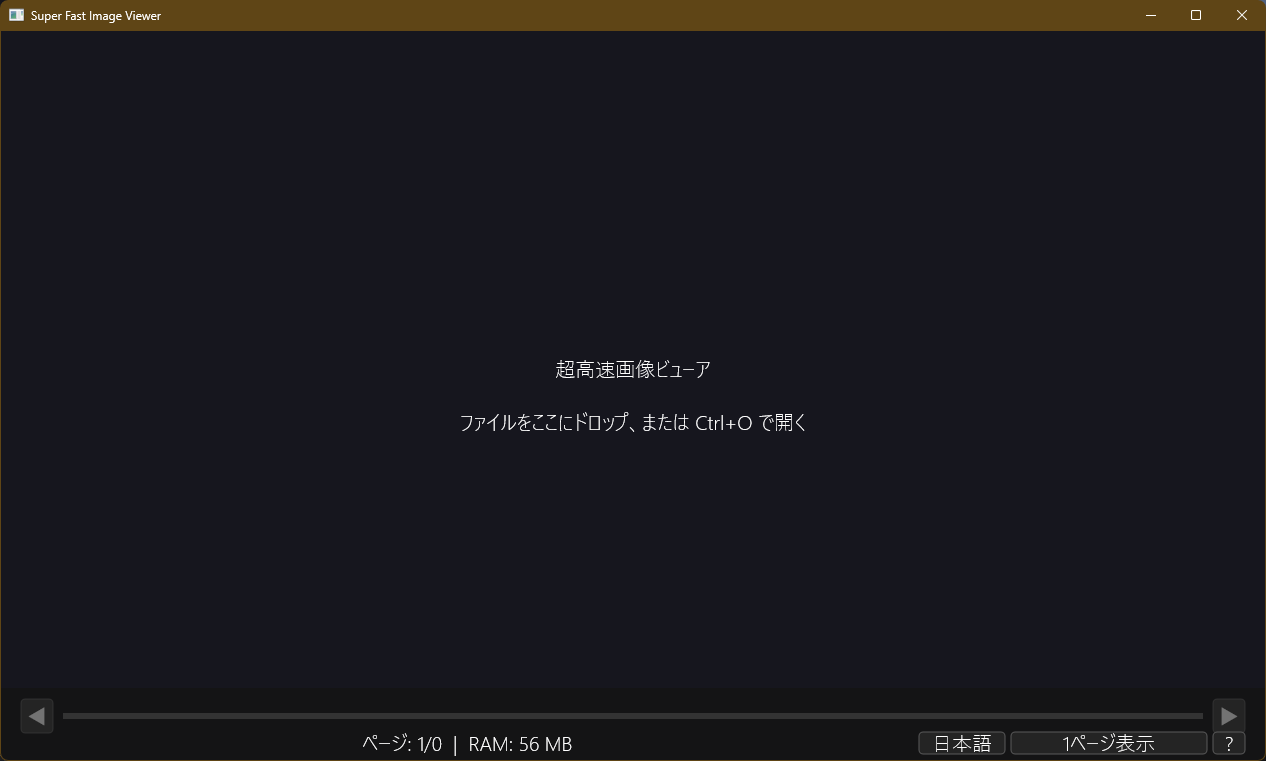
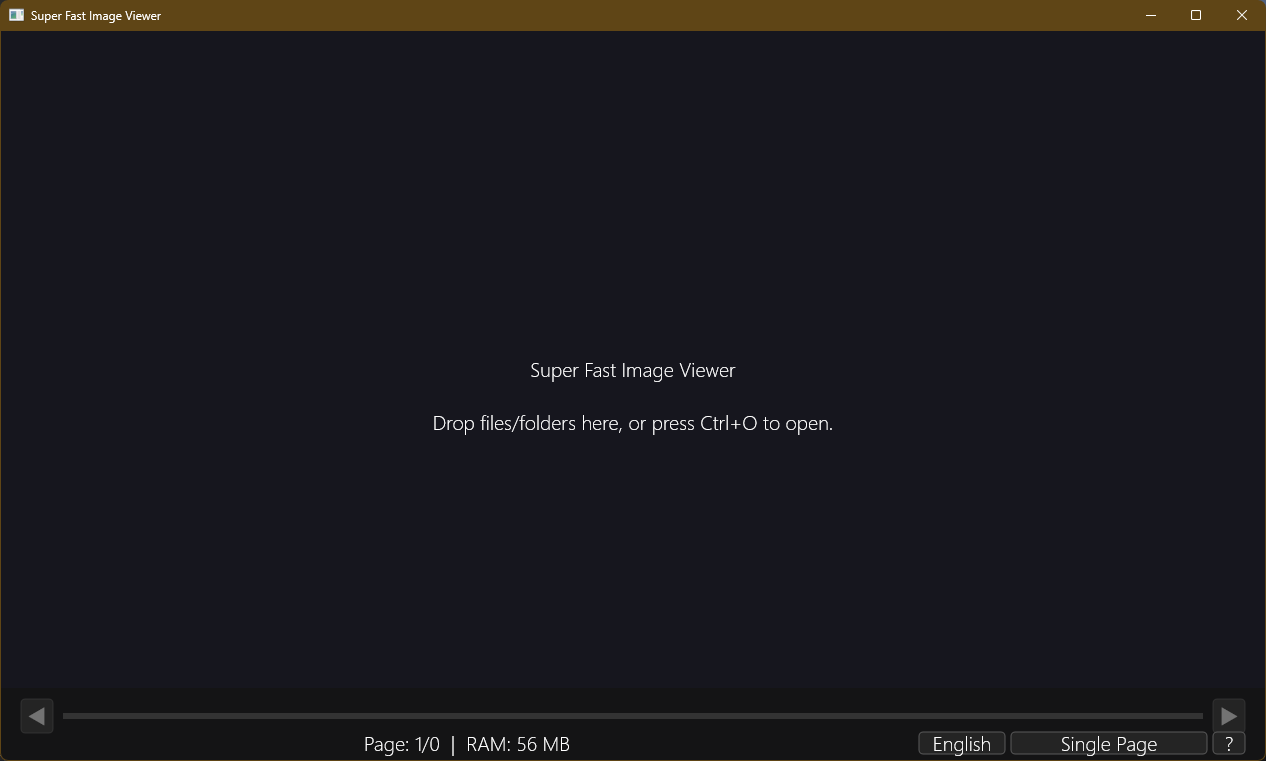
主な特徴 Key Features
1. GPU描画による極限の軽快さ 1. Ultra-Fast GPU Rendering
C++ネイティブコードとDirect2D/DirectWriteによるGPUハードウェアアクセラレーションを活用。大容量の画像や巨大なイラストファイルでも、描画遅延なく極めて滑らかにスクロール・拡大縮小が行えます。 Built with native C++ and Direct2D/DirectWrite. Leverages your GPU to render high-resolution images instantly. Enjoy fluid scrolling and zooming with zero lag.
2. ZIP等の書庫を直接閲覧 2. Direct Archive (ZIP, etc.) Viewing
`libarchive`を内蔵し、ZIP等の圧縮アーカイブ内の画像を解凍せずに直接閲覧可能。ストレージ容量を節約し、大量の画像ファイルやイラストアーカイブを快適に管理・閲覧できます。 Embedded with `libarchive` to read compressed files like ZIP directly. Save disk space and dive straight into your digital image folders or illustration archives without waiting for decompression.
3. 高度な見開き表示&1ページ補正 3. Smart Two-Page View & Shift
連続したファイルの雑誌のような見開き表示をサポート。見開き開始位置がずれて左右の絵が繋がらない場合でも、シークバー横の「1ページずらし」ボタン(またはSキー)で瞬時に表示を補正できます。 Supports two-page spreads for continuous files, similar to magazine pages. When pages are misaligned, use the "Shift Page" button next to the seek bar (or press S) to align the left and right pages instantly.
ポータブル仕様と初期セットアップ Setup & Portable Guide
好きな場所に配置するだけ(インストール不要) Just Place it Anywhere (No Installation)
本アプリはインストーラーによるインストールが不要です。ダウンロードした `SuperFastImageViewer_v1.0.0.exe`
を、お好みのフォルダ(例: C:\Tools\SuperFastImageViewer\
など)に配置するだけで、すぐにご利用いただけます。レジストリやシステム環境を汚しません。
No installer or setup wizard required. Simply move the downloaded
SuperFastImageViewer_v1.0.0.exe to any folder of your choice (e.g.,
C:\Tools\SuperFastImageViewer\). It runs standalone and doesn't pollute the
Windows registry.
ダブルクリックで起動するように設定(ファイルの関連付け) Set Default App (File Association)
画像やZIP書庫をダブルクリックした際に本アプリで即座に開くようにするには、Windowsの関連付け設定を行ってください。 To open images or zip archives instantly with this app upon double-clicking, configure the file association in Windows.
-
開きたいファイル(例:
.zipや.jpg)を右クリックします。 Right-click the file you want to open (e.g.,.zipor.jpg). - 「プログラムから開く」 > 「別のプログラムを選択」 をクリックします。 Select "Open with" > "Choose another app".
-
アプリの一覧から本アプリを探すか、「PCからアプリを選択」 を選び、Step 1で配置した
SuperFastImageViewer_v1.0.0.exeを選択します。 Choose this viewer from the list, or click "Look for another app on this PC" and selectSuperFastImageViewer_v1.0.0.exe. - (必要な場合は)「常にこのアプリを使って .xxx ファイルを開く」 にチェックを入れて「OK」を押します。 (If necessary) Check "Always use this app to open .xxx files" and click OK.
キーボード&マウス操作一覧 Keyboard & Mouse Shortcuts
| 操作Action / Key | 機能説明Description |
|---|---|
| ← / → | 前 / 次のページへ移動(見開き時は2ページ移動)Go to Previous / Next page (moves 2 pages in spread view) |
| Mouse Wheel | ページ移動Scroll to navigate pages |
| D | 単一ページ表示 / 見開き(左右)表示の切り替えToggle between Single Page / Two-Page view |
| S | 見開きの開始位置を1ページずらす(位置補正)Shift the starting page in two-page view to adjust alignment |
| F / Double Click | 全画面表示(フルスクリーン)の切り替えToggle Fullscreen mode |
| Ctrl + Wheel | 画像の拡大・縮小Zoom in / Zoom out of the image |
| Double Click (Image) | 画像のズーム倍率を等倍とフィット表示で切り替えToggle zoom between 100% and fit-to-screen |
| O | ファイル / アーカイブを開くダイアログを表示Open a file selection dialog |
| H | ショートカットヘルプダイアログを表示Show helper dialog with shortcuts list |
| Esc | アプリケーションの終了Exit the application |
よくある質問 (FAQ) Frequently Asked Questions
Q: インストーラー形式の配布はありますか? Q: Is there an installer package available?
本アプリはシステムのクリーンさとポータブル性を極限まで高めるため、単独の実行ファイル (EXE) 形式のみで配布しています。任意のフォルダへ配置するだけで動作し、不要になった際はファイルを削除するだけでアンインストールが完了します。 To maximize portability and system cleanliness, we only distribute the app as a standalone EXE. Simply delete the file to uninstall; it leaves no registry traces behind.
Q: 日本語などの全角文字を含むファイルパスや書庫名に対応していますか? Q: Does it support Japanese and other double-byte characters in file paths?
はい、対応しています。Unicodeロケールに完全対応しており、日本語や各種記号を含んだファイルパス、圧縮ファイル内の画像ファイルであっても問題なく読み込んで高速に表示可能です。 Yes, it is fully Unicode compliant. Filenames or directories containing Japanese characters, symbols, or other double-byte text inside or outside compressed archives will be processed and rendered correctly.
Q: 動作要件 (OS) は? Q: What are the system requirements?
Windows 10 / Windows 11 (64bit) に対応しています。Direct2DおよびWICを使用しているため、特別なライブラリを追加することなく、最新のWindows環境でそのまま動作します。 Compatible with Windows 10 and Windows 11 (64-bit). Built on Direct2D and Windows Imaging Component (WIC), it works out of the box on modern Windows systems.
注意事項・免責事項 Notes & Disclaimers
- 本アプリケーションは「現状有姿(As-Is)」で無償提供されています。十分な検証を行っていますが、バグや不具合が含まれる可能性があり、使用により生じたいかなる損害・データ損失についても開発者は一切の責任を負いません。 This application is provided "As-Is" without warranties of any kind. The developer assumes no liability for any potential data loss or hardware damages caused by its use.
- 一部の特殊な暗号化アーカイブ、または破損したファイルは正常に読み込めない場合があります。あらかじめご了承ください。 Certain encrypted or corrupted archives might fail to open. Please verify your archive files if you experience issues.